
Fleet operations
How to Manage Truck Loads, Drivers and Documents in One Place
A load can be booked correctly and still become difficult to manage.
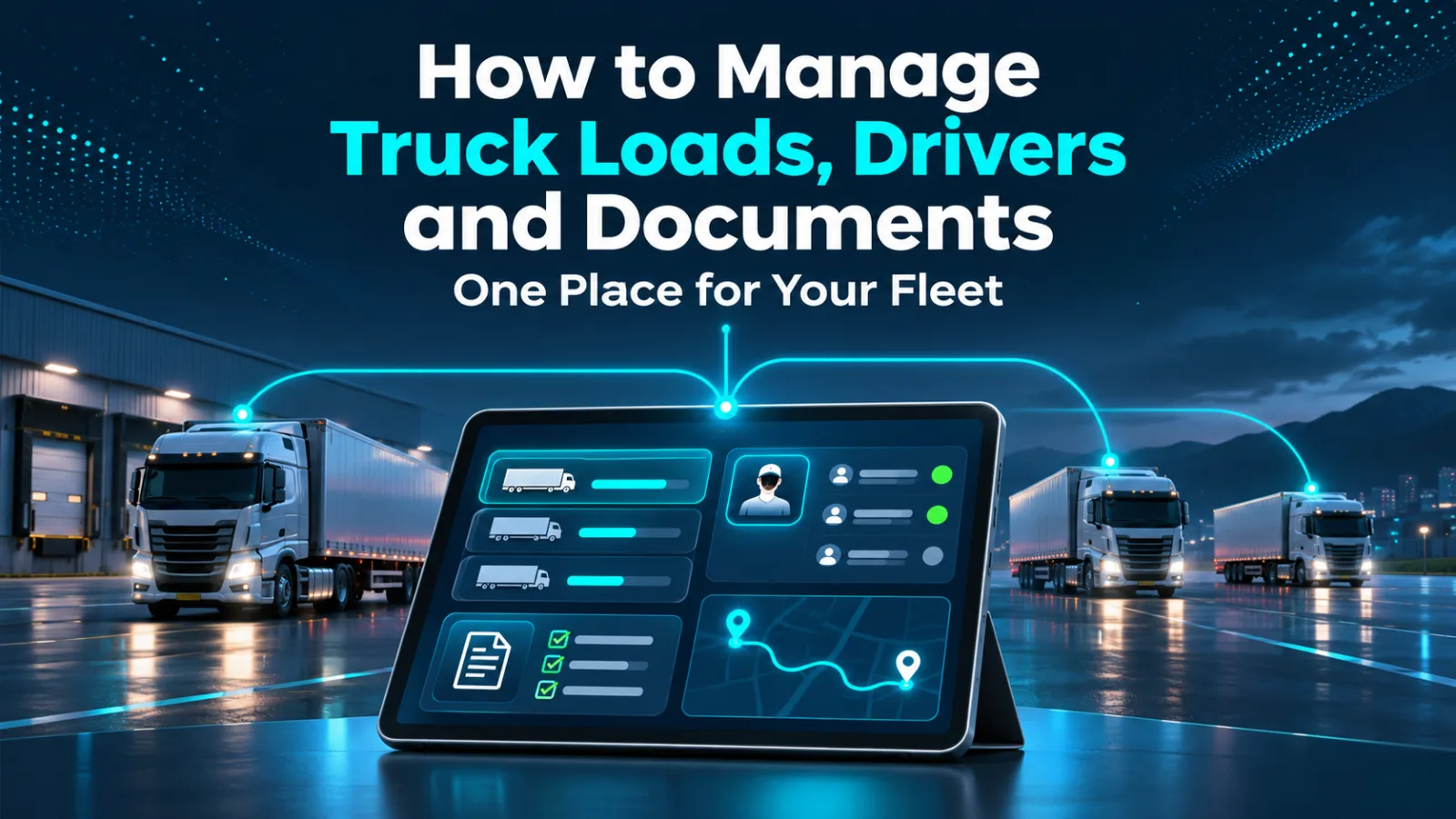
Good truck load management connects those details around one identifiable shipment. The goal is to make the next action clear, whether you operate one truck or coordinate several.
Start with a complete load record
Give every shipment a consistent reference number. Record the pickup and delivery addresses, appointment dates, time zones, customer contact, agreed rate, equipment requirements and assigned truck. Include special instructions such as a liftgate requirement or a delivery contact who must be called before arrival.
Separate confirmed information from assumptions. “Appointment requested” is different from “appointment confirmed.” If a broker changes a delivery time, update the working record and tell the driver which instruction replaces the previous one.
A useful booking check is simple: could another dispatcher understand this trip without reading an entire message thread?
Connect the driver before departure
Assign a specific truck and driver, then confirm that the driver has received the addresses, reference numbers and instructions. Avoid assigning a truck based only on an expected delivery time from its previous trip. Confirm when it will actually be empty and ready.
Ask for an acknowledgment of the important details. A message marked delivered does not tell you whether the driver noticed that the receiver requires an appointment.
For multiple-truck fleets, maintain a separate availability record for each truck. One driver's delay should not silently change the plan for another vehicle.
Agree on the updates that matter
Use a small set of operational milestones: arrived at pickup, loading complete, delay reported, arrived at delivery and delivery complete. These are workflow suggestions; use the status options available in your system.
Every exception should have an owner. If a receiver cannot unload, record who is contacting the broker and when the next update is due. A location pin alone does not explain why a truck has stopped.
Keep documents attached to the right trip
Collect the rate confirmation before departure. After pickup, check that the bill of lading is readable and matches the shipment. After delivery, collect the signed proof of delivery and any supporting receipts.
A photo is only useful if the complete page, signatures and load reference are visible. Review it while the driver can still resolve a missing page. Organized trucking documents make the handoff from operations to billing easier.
Close the load deliberately
Before marking the administrative work complete, confirm delivery, review any unresolved accessorial request and identify who will submit the billing packet. Keep an exception open until someone has resolved it.
TruckerzApp brings trucks, driver access, load requests and paperwork into a connected workflow. Explore the TruckerzApp TMS and start by organizing one truck's next trip from request to final document.