Trucking technology
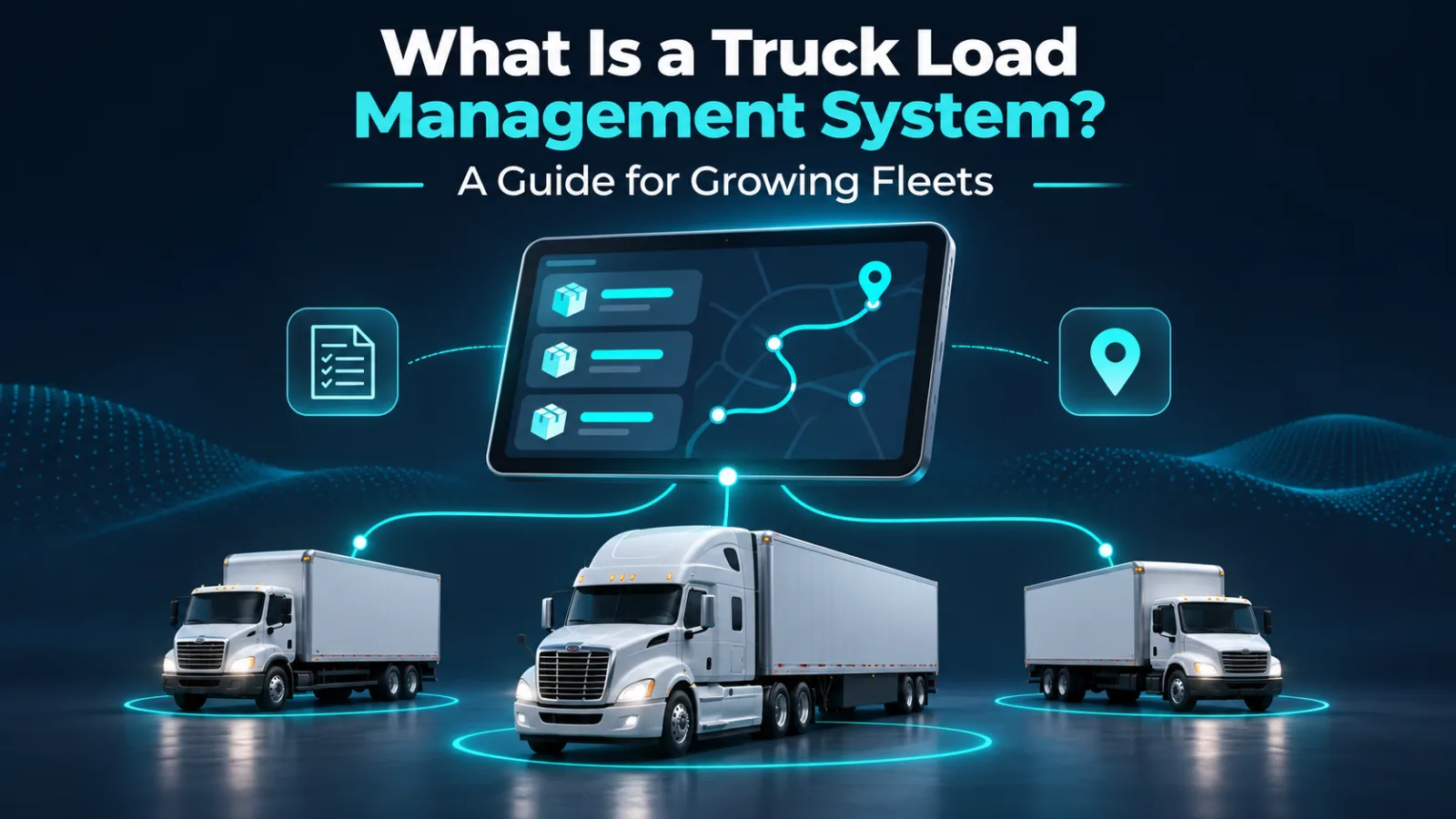
What Is a Truck Load Management System? A Guide for Growing Fleets
A truck load management system is software used to organize the operational work around a shipment: which truck will haul it
The label can describe different products. Some systems focus on dispatch coordination, while others include accounting, customer portals or integrations. When comparing options, judge the workflow you can actually use rather than assuming every product includes the same features.
Understand the difference between finding and managing freight
A load board helps carriers discover freight opportunities. A management system helps the team handle work after a load is being considered or has been booked. A driver app provides access from the road. These tools can complement each other.
For example, finding a suitable shipment does not automatically assign a driver, explain the delivery instructions or collect a signed POD. Those are separate operational jobs. Software is useful when it connects the jobs your team otherwise handles in disconnected messages.
Do not assume that a TMS subscription includes access to public freight listings, guaranteed loads or a dispatcher.
Look for the information your team repeatedly requests
Before choosing software, write down the questions your office answers every day:
- Which trucks will be available tomorrow?
- Has the driver received the latest instructions?
- Where is the rate confirmation?
- Is delivery complete, and do we have the paperwork?
- Who is handling the delay?
Those questions become your evaluation checklist. If a feature does not help your team answer a relevant question or complete a task, it may not be a priority.
Test one complete shipment
Use a sample load to evaluate a system from beginning to end. Add the truck, connect the driver, enter or access the load details and follow the document workflow.
Test what happens when something changes. Can your team tell which appointment is current? Can the driver find the correct trip? How do you handle a missing document? A smooth demonstration of a perfect trip is less informative than a test involving a late receiver or replacement paperwork.
Also ask about permissions, data export, support, pricing and any limits on users or trucks. Confirm these with the provider instead of relying on a feature name.
Introduce the system gradually
Choose one person to own the rollout. Start with a small group of trucks and establish which information must be kept current. Review missing fields and driver questions before expanding.
Technology cannot compensate for unclear responsibilities. Someone still needs to confirm appointments, review documents and respond to exceptions.
TruckerzApp is designed around connected fleet operations, including trucks, driver access, load requests and documents. Explore its TMS workflow, then test whether the available features fit the way your fleet actually works.